
FEATURE
Why our Atosa integration just makes sense
Getting ATO data into a workpaper shouldn’t mean downloading a PDF and retyping it. Our Atosa integration brings ATO figures straight into the parts of the workpaper where you use them, so the numbers you review are the numbers the ATO holds. We walked through how it works in this week’s webinar, and this article covers the main points.
Manual ATO data entry adds up across every client
For most firms, getting ATO data into a workpaper looks something like this:
- Log in to the ATO portal
- Find the taxpayer
- Find the right report
- Download the PDF
- Enter the figures into your workpaper by hand
Each round only takes a few minutes. But it happens for almost every taxpayer you look after.
A few minutes per client becomes hours across a firm. That time sits in WIP, and it can be avoided or reduced.
Every retyped figure is a chance for an error
Time is the obvious cost. Risk is the less visible one. Each time a figure is copied from a PDF into a workpaper, there’s a chance it lands differently from the source. Anyone who has reviewed a file will recognise these:
- Adjacent transposition: two neighbouring digits swapped, so $4,560 becomes $4,650
- Non-adjacent transposition: digits further apart swapped, so $4,560 becomes $6,540
- Slide: the decimal point moves, so $4,560 becomes $456.00
- Omission: a digit or a whole figure left out
- Duplication: a digit or a figure entered twice
- Wrong cell: the figure is right but lands in the wrong place, such as a March quarter amount entered against June
- Wrong sign: a positive entered as a negative, or a debit entered as a credit
These errors are rare, but they can have a significant impact when they happen. A good reviewer will catch most of them. It’s better not to create them in the first place.
The Atosa integration brings in the data, not just the PDF
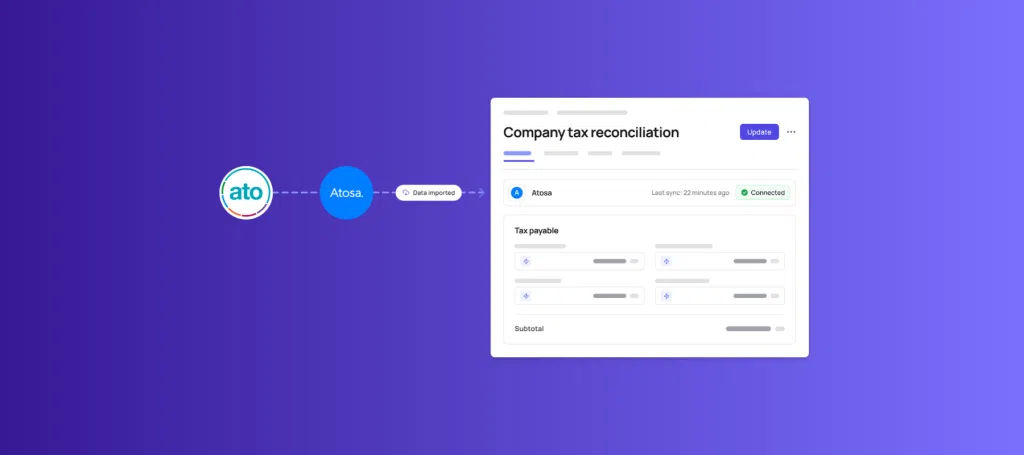
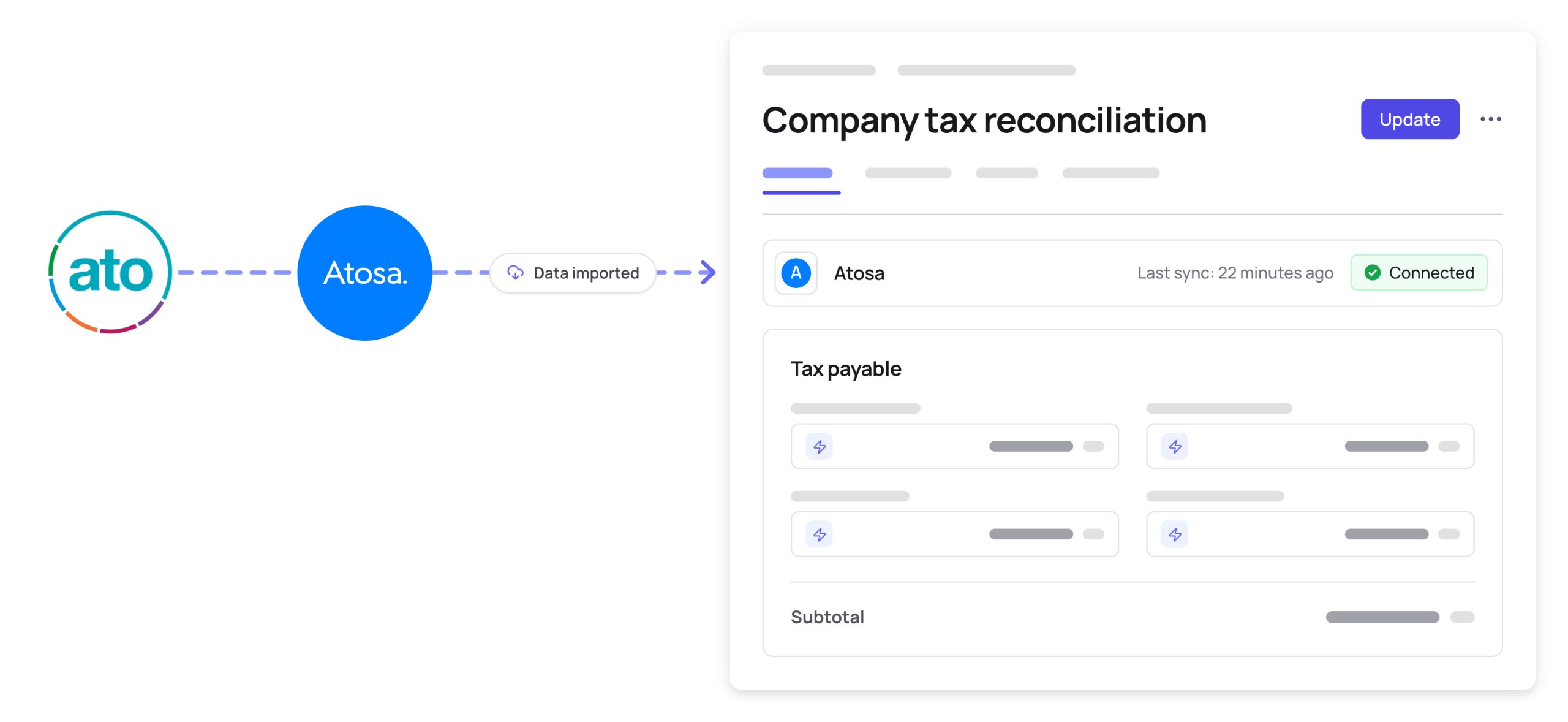
That’s why we built our integration with Atosa. Atosa connects to the ATO and retrieves your clients’ data. Cimplico Workpapers then places that data directly into the calculation where it’s needed.
That distinction was the starting point for how we designed it. Attaching an ATO PDF to a workpaper saves the download step, but someone still has to read it and type the numbers in. We wanted to remove the retyping altogether, because that’s where both the time and the risk sit.
The integration feeds a whole suite of calculations across Cimplico Workpapers, wherever ATO figures are part of the work. For example, PAYG instalments come through into your company tax reconciliation, and BAS figures come through into your GST reconciliation. These are two of many.
It has been one of our most popular features since we released it.
Confidence in the numbers, and less WIP
When figures come straight from the ATO, review changes. Instead of checking whether a number was typed correctly, the reviewer can spend their time on whether it makes sense for the client.
The preparer gets time back on every job, not just the complex ones. Across a full client base, that’s where you start to see WIP come down.
It’s also how we approach Cimplico Workpapers more broadly. Where a step is manual and repetitive, we’d rather design it out than make it slightly faster.
See the Atosa integration in action
Bringing ATO data into your workpapers by hand is a small task repeated many times, and each repetition carries a little risk. Our Atosa integration removes that step, so your team can trust the figures and move on to the work that needs their judgement.
You can find out more about Atosa itself at atosa.com.au. If you’d like to see how the integration works inside Cimplico Workpapers, you can book a demo here.
See Cimplico Workpapers in action.
A scalable, cloud-based approach to workpaper preparation and review — built to give your team consistency, control, and visibility across every job.
Book a demo